
A marketing campaign checklist is a structured pre-launch verification tool that confirms every critical component — from goal-setting to tracking setup — is in place before a single dollar of budget goes live. Without it, teams routinely ship campaigns with broken UTM parameters, untested landing pages, or misconfigured GA4 events, and they only discover the damage after the data is already corrupted. The cost is real: wasted spend, attribution gaps, and conversion data you can never recover. This guide gives you a practitioner-built checklist covering planning, tracking, automation, compliance, and e-commerce execution, specifically for marketing professionals who cannot afford to learn these lessons the hard way.
1. What your marketing campaign checklist must cover
A complete campaign checklist spans six distinct phases: goal and KPI definition, strategy and messaging, creative asset review, channel and execution setup, compliance and legal sign-off, and measurement verification. Each phase functions as a gate. You do not move forward until the prior phase is confirmed. This sequencing is what separates teams that catch errors in staging from teams that catch them in their weekly performance review.
The core items within each phase include:
- Planning: Define primary KPIs (ROAS, CPA, CPL), set budget by channel, confirm campaign dates, and document audience segments with inclusion and exclusion logic.
- Strategy and messaging: Confirm the value proposition is consistent across all ad copy, landing pages, and email sequences. Verify that the offer matches what the audience was segmented on.
- Creative assets: Check that all image and video specs meet platform requirements for Meta, TikTok, and Google. Confirm copy character limits are respected and CTAs are tested.
- Execution setup: Verify pixel firing, audience uploads, campaign structure, and ad set naming conventions before launch.
- Compliance and legal: Confirm CAN-SPAM compliance, GDPR consent records, and FTC disclosure placement.
- Measurement: Validate UTM tagging, GA4 event tracking, and conversion window settings.
Team alignment is a phase-zero requirement, not an afterthought. Every stakeholder, from the media buyer to the legal reviewer, needs a defined role and a sign-off responsibility before the checklist moves forward.
2. How to verify tracking and analytics accuracy

Tracking errors are the most expensive silent failure in digital marketing. UTM validation is the first line of defense, and it requires more than confirming the parameters exist in a spreadsheet. The three mandatory parameters are "utm_source, utm_medium, and utm_campaign. Optional parameters utm_contentandutm_term` are required for any campaign running A/B creative tests or paid search.
Follow this QA sequence before every launch:
- Build all UTM links in a single source of truth, such as a Google Sheet or a dedicated UTM builder tool.
- Confirm parameter syntax: no spaces (use underscores or hyphens in URLs only), consistent lowercase, and no special characters.
- Click every tagged URL manually. Verify the landing page loads and the UTM string is preserved through any redirects.
- Check GA4 in real time using DebugView to confirm the session is attributed to the correct source and medium.
- Verify GA4 channel grouping rules. Traffic tagged
utm_medium=socialroutes to the Organic Social channel group by default, not Paid Social. Paid social requiresutm_medium=paid_socialor a custom channel group configuration. - Confirm GTM placement by checking that the GTM snippet fires on all pages, the correct GA4 Measurement ID is in the configuration tag, and no duplicate tags are present.
- Run GA4 DebugView with a test session to confirm key events (page_view, purchase, lead) fire correctly before going live.
| QA Check | Tool | Pass Condition |
|---|---|---|
| UTM syntax validation | Google Sheet / UTM builder | No spaces, consistent lowercase |
| Landing page load + UTM preservation | Browser + GA4 DebugView | UTM visible in session data |
| GA4 channel grouping | GA4 Reports | Source/medium maps to correct channel |
| GTM tag audit | GTM Preview Mode | No duplicate tags, correct Measurement ID |
| Conversion event firing | GA4 DebugView | Events appear with correct parameters |
Pro Tip: Test your UTM links from a private browser window to avoid session data contamination from your own cookies. GA4 DebugView will show the clean attribution exactly as a new visitor would generate it.
Many teams skip tracking QA entirely and treat it as optional. It is not. A single misconfigured UTM on a high-spend channel can send thousands of sessions into the "Unassigned" bucket in GA4, making ROAS measurement impossible for the entire campaign window.
3. Marketing automation and email campaign QA
Marketing automation QA requires a structured sequence, not a random spot-check. The five areas to verify before any workflow goes live are: segmentation and list quality, content and personalization tokens, link and UTM validation within emails, workflow logic and trigger conditions, and email rendering and deliverability.
Segmentation errors are the most damaging because they determine who receives the campaign. Verify that inclusion and exclusion logic is correct, suppression lists are applied, and the segment count matches your expected audience size before triggering anything.
Personalization tokens require real or deliberately incomplete contact data to test properly. Using a contact with a missing first name field confirms whether your fallback text renders correctly. If your email reads "Hi ," you have a token failure that will reach real inboxes.
- Check every link in the email body, including the unsubscribe link, the preheader link, and any image links.
- Confirm UTMs are appended to all email links and match the campaign naming convention.
- Send test emails to at least three different clients: Gmail, Outlook, and Apple Mail. Mobile rendering must be verified separately.
- Run the email through a spam scoring tool such as Mail-Tester or GlockApps to check for deliverability flags before launch.
- Verify sender authentication: SPF, DKIM, and DMARC records must all pass.
Pro Tip: Set a calendar reminder for 24 hours post-launch to review delivery rate, bounce rate, and click attribution in your ESP dashboard. Post-launch monitoring in the first 48 hours catches live environment errors that pre-launch testing cannot replicate.
Workflow logic testing means running the full trigger sequence in a sandbox environment with test contacts. Confirm that each trigger fires at the correct condition, that wait steps hold for the right duration, and that branch logic routes contacts to the correct path based on their behavior.
4. E-commerce product launch automation checklist
E-commerce launches have a specific failure mode that generic campaign checklists miss: automation trigger drift. Missing phases in launch automation reduce total launch revenue by 25 to 40%, and the root cause is almost never the ad creative. It is unsynchronized triggers and stale inventory data.
A master launch trigger centralizes the publishing action so that the product page goes live, the email blast fires, the SMS sends, and the site banner updates simultaneously. Without it, customers receive an email about a product that the site has not yet published, or the urgency message references stock levels that were accurate six hours ago.
| Launch Phase | Key Checklist Items | Risk if Skipped |
|---|---|---|
| Pre-launch (T-48 hours) | Confirm inventory data feed is live and accurate | Urgency emails show incorrect stock counts |
| Launch trigger setup | Configure master trigger for simultaneous publishing | Desynchronized customer experience |
| Email and SMS sequences | Test all flows with real contact data | Token failures, wrong audience receives messages |
| Post-purchase follow-up | Activate social proof and upsell sequences | Lost repeat purchase revenue |
| Restock vs. new launch | Modify trigger logic for restock-specific messaging | Wrong message type sent to prior purchasers |
Additional items specific to e-commerce launches:
- Confirm the product page URL is correct in all email and SMS links before the master trigger fires.
- Set inventory threshold triggers for urgency messaging (for example, "Only 12 left" fires when stock drops below 15 units).
- Verify that the post-purchase sequence is suppressed for anyone who purchases during the launch window so they do not receive a "buy now" follow-up.
- Schedule a revenue impact review at 24, 48, and 72 hours post-launch to identify which automation phases performed and which need adjustment.
For e-commerce ad creative that supports these launches on Meta and TikTok, the same sequencing logic applies to your paid media setup.
5. Compliance and legal gates in your campaign checklist
Compliance is not a box to check at the end. It is a gate that must be passed before creative assets are finalized, because legal changes to copy or disclosures after design sign-off cost time and money.
CAN-SPAM requirements for email marketing include a physical mailing address in every email, a clear and functional unsubscribe mechanism, and subject lines that accurately reflect email content. Deceptive subject lines are a direct CAN-SPAM violation.
GDPR consent must be freely given, specific, informed, and as easy to withdraw as it was to give. A one-click unsubscribe link in every email is the minimum standard. Pre-checked consent boxes and bundled consent do not meet GDPR Article 7 requirements.
- Verify that all email recipients on EU lists have documented opt-in records with timestamps.
- Confirm FTC endorsement disclosures are present on any ad or landing page that uses testimonials or influencer content.
- Check that all promotional claims (percentage discounts, "best price" language) are substantiated and accurate.
- Complete a final legal review sign-off as a named checklist step, not an informal verbal confirmation.
Integrating compliance checks into the standard campaign planning guide, rather than treating them as a separate legal department task, is what prevents last-minute launch delays.
Key takeaways
A marketing campaign checklist works because it converts institutional knowledge into a repeatable, auditable process that prevents the same errors from recurring across every campaign cycle.
| Point | Details |
|---|---|
| Phase-gated structure | Move through planning, creative, execution, and compliance in sequence, not in parallel. |
| UTM validation is non-negotiable | Click every tagged URL and verify attribution in GA4 DebugView before launch. |
| Automation QA requires real data | Test personalization tokens with incomplete contact records to catch fallback failures. |
| E-commerce needs a master trigger | Synchronize email, SMS, and site publishing to prevent desynchronized customer experiences. |
| Compliance is a pre-creative gate | Complete legal review before assets are finalized to avoid costly last-minute revisions. |
The checklist is only as good as its owner
Most teams have a checklist. Very few have a checklist owner. The difference between a document that gets followed and one that gets ignored is a named person with sign-off authority and accountability for every item. I have seen campaigns with 40-item checklists launch with broken tracking because no single person was responsible for confirming it was done. The checklist became a formality rather than a gate.
The other pattern I keep seeing is teams that build a checklist once and never update it. Platforms change. GA4 channel grouping rules change. Meta's ad specs change. A checklist that was accurate in Q1 can have three outdated items by Q3 if nobody owns the review cycle. The fix is simple: add a post-launch retrospective step to the checklist itself, where the team documents what the checklist missed and updates it before the next campaign.
Automation tools reduce manual effort, but they do not replace judgment. Trigger logic drifts. Inventory feeds go stale. Personalization tokens break when CRM field names change. The teams that catch these issues before launch are the ones running manual spot-checks on top of their automated QA, not instead of it. Balance both. The marketing automation checklist frameworks that work best in practice are the ones that treat human review as a required step, not an optional one.
Store your checklist in a collaborative platform your whole team can access, such as Notion, Confluence, or a shared Google Doc. A checklist that lives in one person's local drive is not a system. It is a liability.
— Bythewise
How Creaboost fits into your campaign execution plan
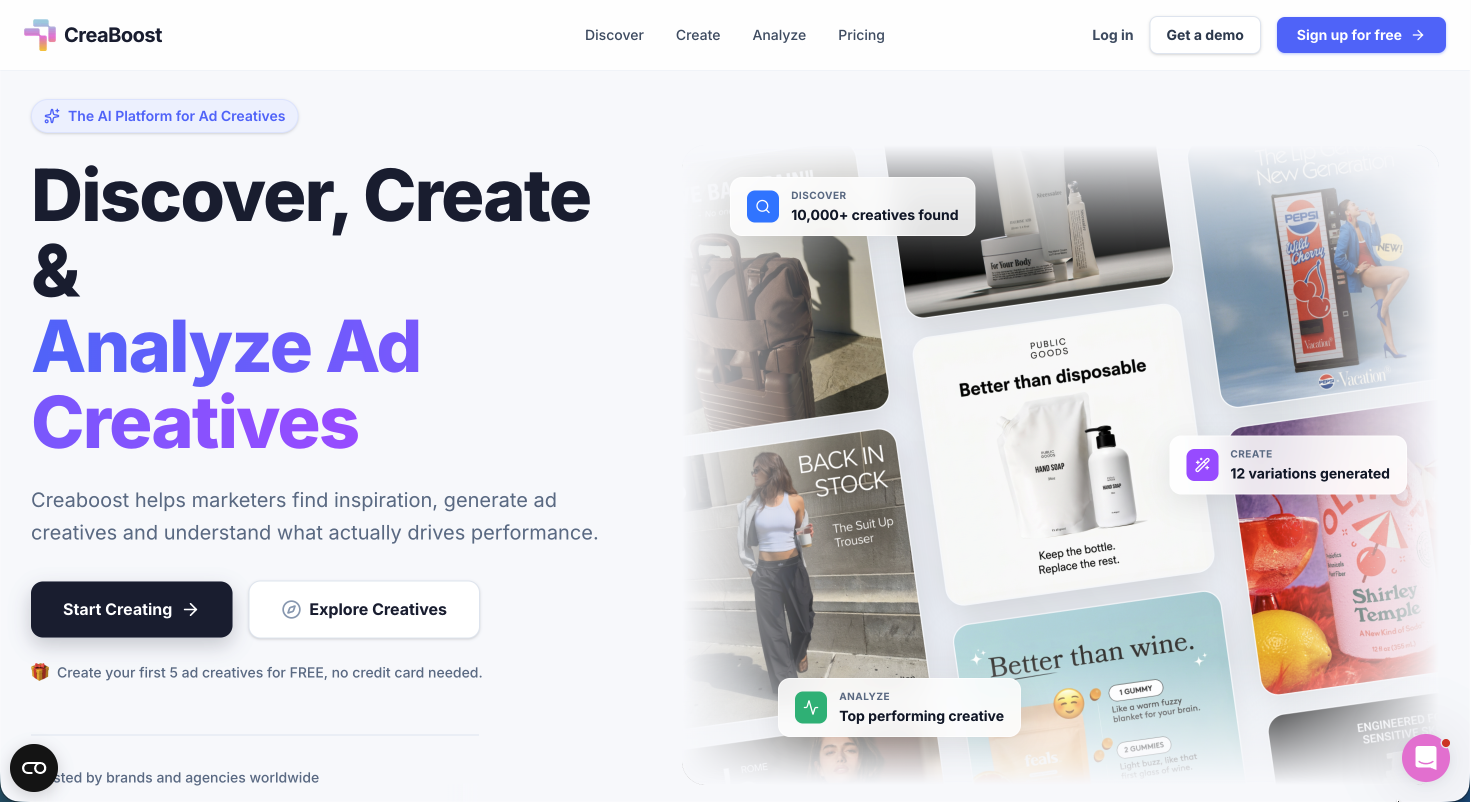
If your checklist is solid but your creative pipeline is the bottleneck, that is exactly the problem Creaboost is built to solve. Once your tracking, automation, and compliance gates are confirmed, the next constraint for most e-commerce and performance teams is shipping enough creative variations to actually test what works. Creaboost connects directly to your ad accounts, auto-tags every creative by format, hook, and angle, and surfaces which concepts are driving ROAS before fatigue sets in. The Create feature turns a product URL into platform-ready Meta and TikTok ad variations in minutes. For teams running campaigns at scale, Creaboost closes the gap between a well-built checklist and a well-executed campaign.
FAQ
What is a marketing campaign checklist?
A marketing campaign checklist is a structured pre-launch verification tool that confirms all campaign components, including goals, tracking, creative assets, and compliance, are in place before launch. It prevents costly errors like broken UTM parameters and misconfigured conversion events.
How do UTM parameters affect campaign reporting?
Incorrect or missing UTM parameters cause traffic to appear as "Unassigned" in GA4, making it impossible to attribute conversions to the correct channel or campaign. Clicking every tagged URL in GA4 DebugView before launch is the minimum verification standard.
What should an e-commerce launch automation checklist include?
It must include a master launch trigger that synchronizes email, SMS, and site publishing simultaneously, real-time inventory data validation for urgency messaging, and a post-purchase suppression rule to prevent buyers from receiving acquisition follow-ups.
When should compliance checks happen in campaign planning?
Compliance checks, including CAN-SPAM, GDPR consent verification, and FTC disclosure review, must be completed before creative assets are finalized. Completing them after design sign-off creates expensive revision cycles and launch delays.
How often should a marketing campaign checklist be updated?
After every campaign, a post-launch retrospective should identify any checklist gaps and update the document before the next cycle. Platform specification changes from Meta, TikTok, and Google alone can make a checklist outdated within a single quarter.